
10 Free Best WordPress Plugins Your Site Needs in 2026

Home10 Free Best WordPress Plugins Your Site Needs in 2026

best Wordpress plugin

10 Free Best WordPress Plugins Your Site Needs in 2026

WordPress has always been maintained and evolved to meet the revolutionary needs of the era. Availability of a bulk of plugins might be confusing as well as time-consuming for a beginner. I separated the must-have WordPress plugins for you so you can invest your time in making the best version of them. 

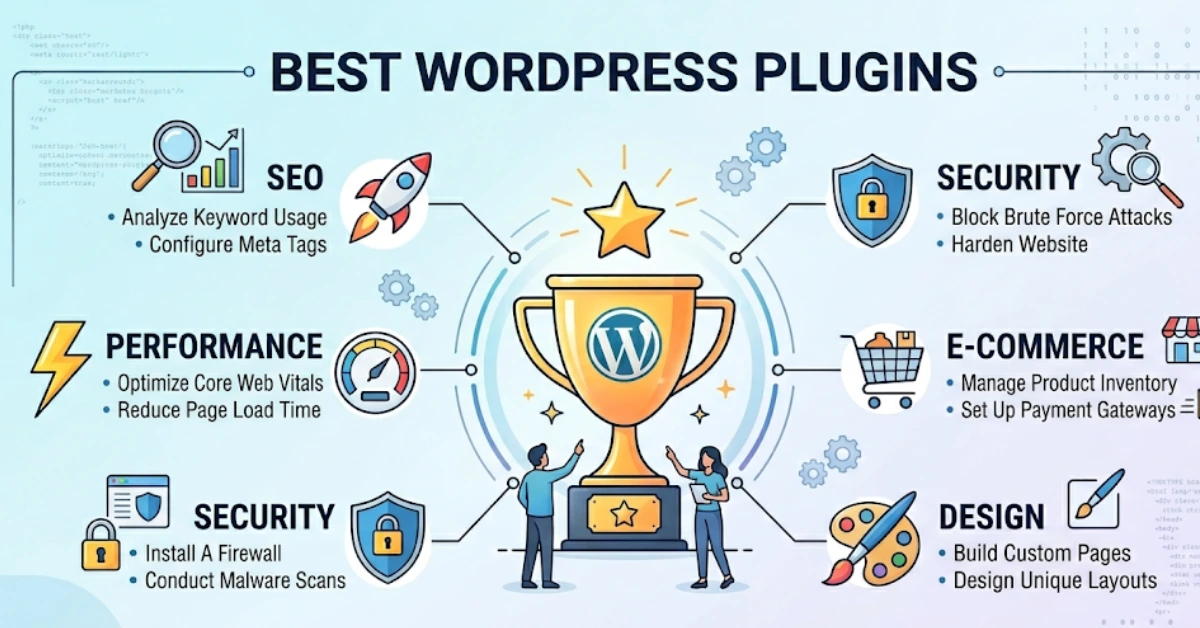
These WordPress plugins can add features you would like to your site, thereby enhancing performance and functionality. So, here are the 10 free best WordPress plugins your site needs in 2026.  Let’s start reading.

10 free best WordPress plugins your site needs in 2026  

  1. Analtify
  2. LiteSpeed Cache
  3. HubSpot CRM
  4. Login Press
  5. Hostinger Reach
  6. Elementor
  7. Yoast SEO
  8. UpdraftPlus
  9. WooCommerce
  10. WPForms 

Analtify

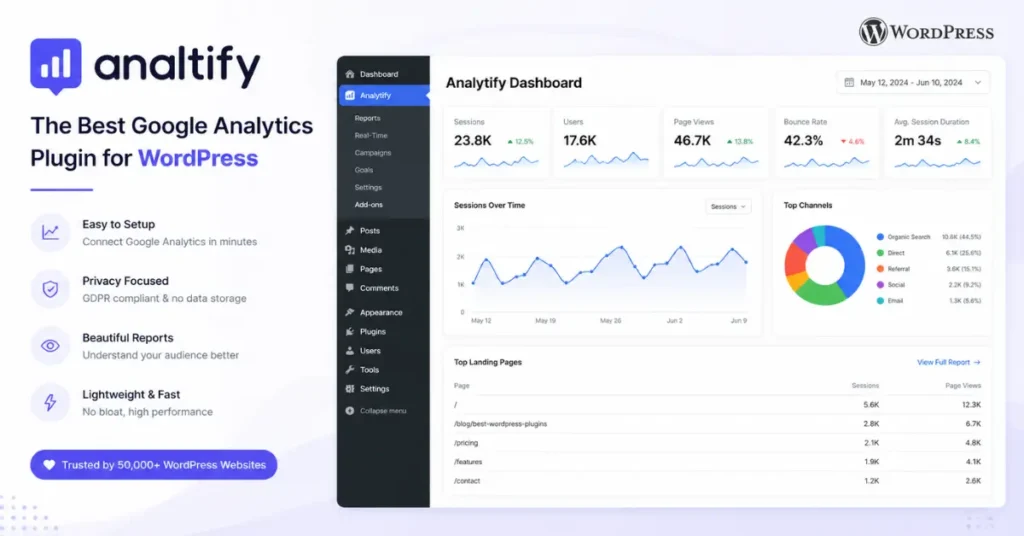
Analtify best WordPress plugins to clarify Google Analytics

Key Features:

  • Analtify is among the best WordPress plugins that converts complex Google Analytics data into simpler, clearer, and more actionable insights. It is available inside your WordPress dashboard. 
  • It integrates with GA4 to display real-time visitor data, top-ranked pages, and conversion data in a user-friendly format. 
  • You can quickly install a plugin by connecting your GA4 property, enabling page-level stats, and building a custom dashboard for easy-to-understand analytics. 
  • It’s also best for optimizing your WordPress without continuous tab switching or to rack one’s brain into complex GA4 reports. 

Best For:

  • Analtify plugin is a free WordPress plugin for bloggers, publishers, small businesses, and marketers. It tracks convertible content performance using Google Analytics. 

LiteSpeed Cache

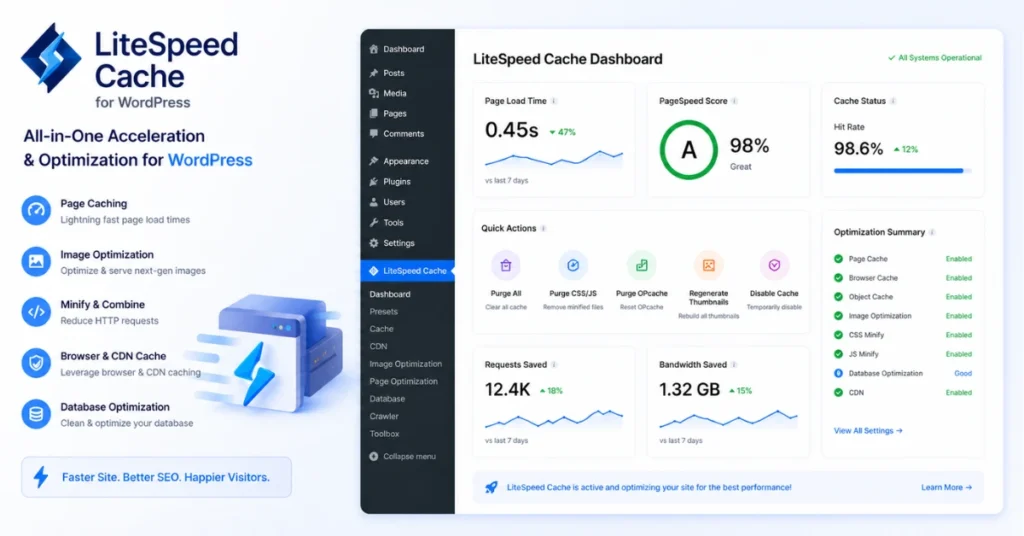
LiteSpeed Cache compatible with your current WordPress

Key Features:

  • The LiteSpeed Cache plugin is one of the best WordPress plugins for automatic compression and optimization of WordPress images without lowering quality. 
  • This free plugin saves the static assets in the users’ browsers to enhance site loading speed when they revisit the site. 
  • It cleans up the unnecessary database for enhanced performance. 
  • It creates separate caches for both desktop and mobile to provide optimized performance. 
  • It compresses JavaScript and CSS files to reduce page sizes. 

Best For:

  • The LiteSpeed Cache plugin helps optimize your WordPress site’s loading speed. 

HubSpot CRM

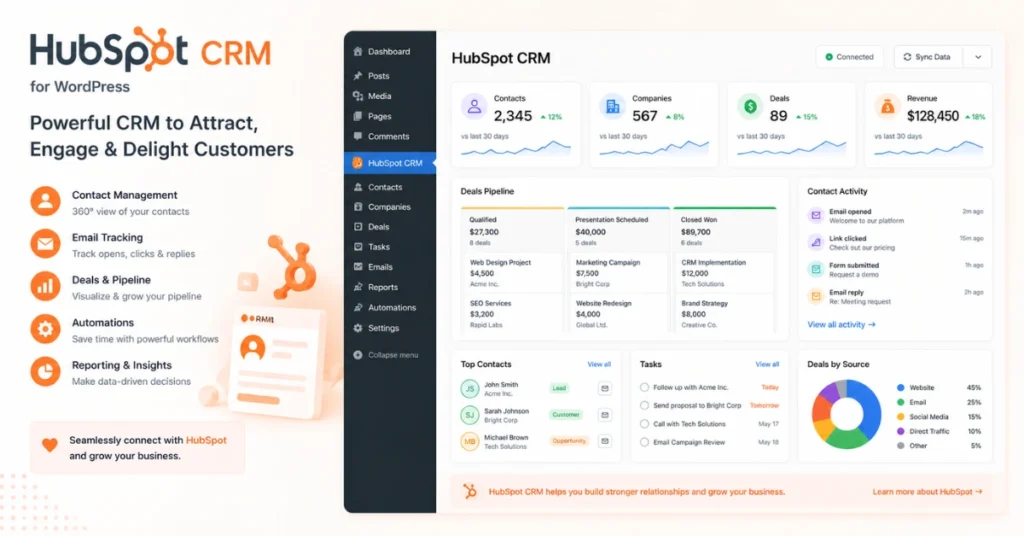
HubSpot CRM must-have best WordPress plugins

Key Features:

  • The HubSpot CRM has a free version as well as a premium WordPress plugin. It saves and manages the detailed contact information, including communication and activity history. 
  • It supervises and tracks your sales pipeline from lead sourcing to closing. 
  • It automatically syncs your site leads to the CRM dashboard. It provides live chat with visitors and assists in functionality. 
  • This WordPress plugin offers a comprehensive overview of your sales. Schedule follow-up tasks and clients’ meetings at the top of your sales process. 
  • Most importantly, it saves emails for continuous and productive communication with leads and prospects. 

Best For:

  • The HubSpot CRM is a must-have plugin to manage interactions with prospects and customers. 

Login Press

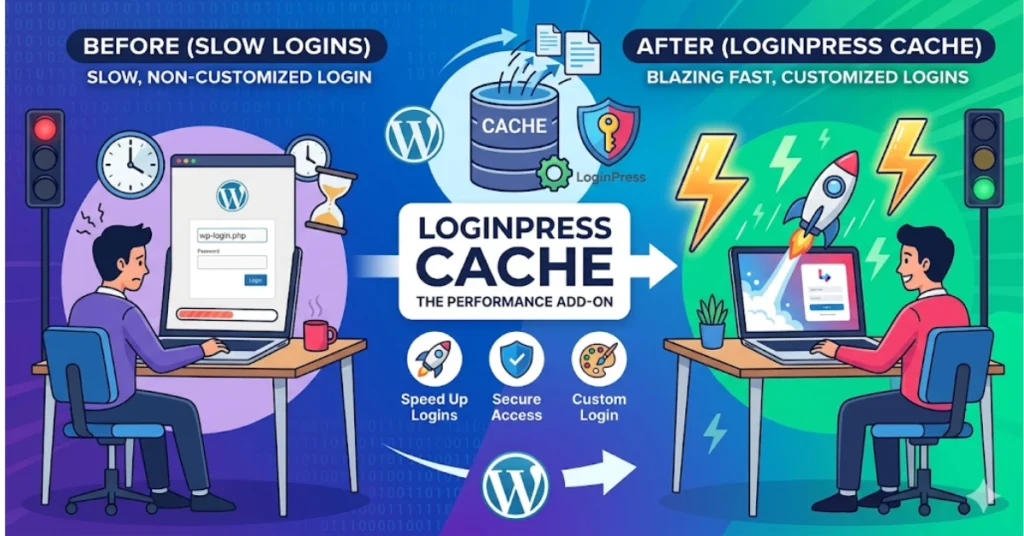
Login Press cache to cache your WordPress site

Key Features:

  • Login Press is a free WordPress plugin referred to as a brand’s digital front door. It looks like an extension to your WordPress website instead of a dull, uninteresting WP-Login page. 
  • It customizes your WP-Login page with eye-catching themes, logos, and background images. It does not need any coding. It also adds security through features like reCAPTCHA and login attempt limits. 
  • You can easily install the plugin by using the built-in Login Press customizer on the WordPress Dashboard. 

Best for:

Login Press Plugin is suited to agencies, multi-author blogs, and membership sites in need of brand access points. 

Hostinger Reach

Hostinger Reach best WordPress plugins for Email marketing

Key Features:

  • Hostinger Reach is an AI-powered email marketing tool, shining among the best WordPress plugins available in both a free version and a paid version. You can create optimized mobile-friendly emails just with a single prompt. 
  • It can filter and adjust your email content and design by dragging-and-dropping editor elements. You can manage your contact lists either manually or by CSV import. It can then perform email automation effectively. 
  • It can maintain your brand’s look and customize logos and brand colors. 
  • It also provides an analytics dashboard. You can track opens, clicks, and deliveries to check performance insights. 
  • It provides enhanced security to your WordPress site through Automatic SPF, DMARC, DKIM record setup, and Mail Channels integration. 

Best For:

  • It is best for driving and managing email marketing campaigns for your WordPress website. 

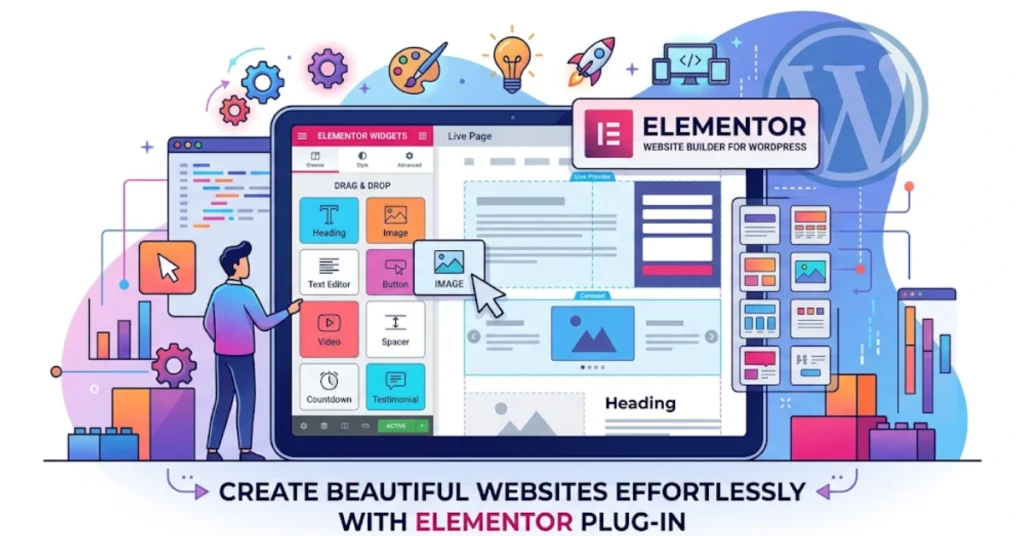
Elementor

Elementor right plugin for site owners

Key Features:

  • Elementor is the most popular WordPress page builder plugin. It has a free version as well as paid features. It builds pages by dragging and dropping elements into place. 
  • The website owner can quickly design their WordPress site using a template from Elementor’s library. 
  • Elementor tunes your WordPress website for various devices with auto-responsiveness. You can also easily revert to your previous design.
  • Elementor set Global rules of typography and color schemes for continuous branding across your site. You can add motion effects like animations and scrolling effects to create dynamic content. 

Best For:

Elementor, a free WordPress plugin, is compatible with those in need of building appealing website pages. 
Yoast SEO

Yoast SEO plugin to make your blog visible on WordPress

Key Features:

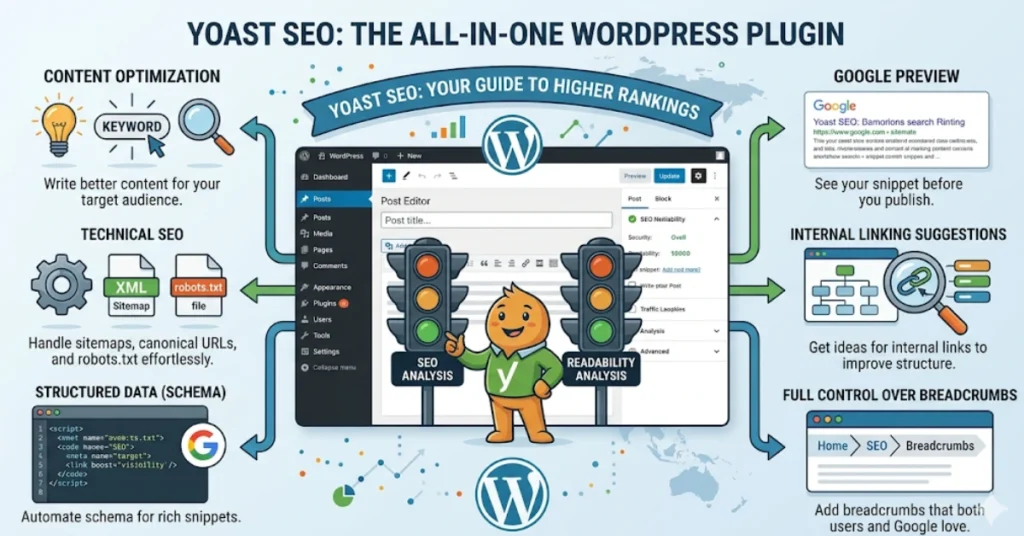
  • Yoast SEO, as the name suggests, is the WordPress SEO plugin installed by almost every WordPress user. Yoast SEO is a free plugin; however, upgrading to the premium version can unlock deep analytical insights. 
  • Yoast SEO can provide real-time feedback regarding your content SEO and tips to improve. Along with SEO, it offers tips to improve your content engagement and readability. 
  • The Snippet Preview shows what your post and page look like in search results. It also suggests that either your title or meta description fits properly on the screen. 
  • Yoast SEO automatically generates your sitemap XML to easily submit to Google Search Console. 
  • Yoast SEO, the best SEO plugin for WordPress, enables breadcrumbs, which display a clear navigation path and site hierarchy for a better user experience. 
  • Yoast SEO  also helps to manage URL redirections to avoid broken links. 

Best For:

Yoast SEO is a must-have plugin for optimizing your site for Google and other search engines. 
UpdraftPlus

Updraft Plus plugin for WordPress

Key Features:

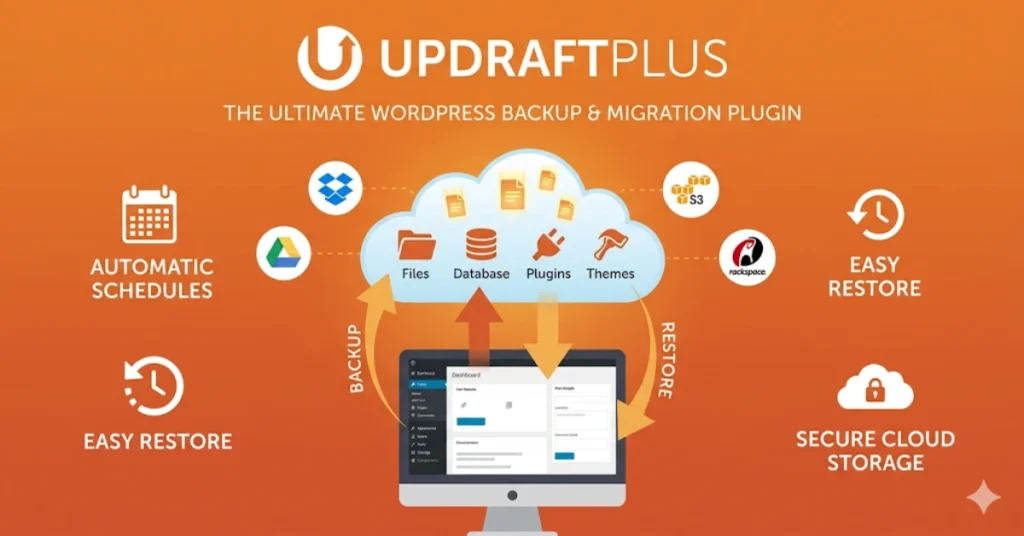
  • UpdraftPlus is a site backup plugin, thereby keeping your WordPress site backup for misconfiguration settings, server crashes, and cyber attacks. 
  • The UpdraftPlus free version can also back up and restore your site. You can store your site’s data on storage services like Google Drive, Dropbox, Amazon S3, and more. In premium plugins, you can get more cloud options and migration tools. 
  • UpdraftPlus schedules regular and automatic backups of your site’s files and database. It also provides incremental backups to save changes, hence storing storage space. 
  • UpdraftPlus encrypts your backups to secure your WordPress site data. 
  • The premium plugin Updraft Clone allows for quick site migration or cloning to a new location. 

Best For:

The UpdraftPlus free WordPress plugin is best for creating WordPress site backups. 
WooCommerce

WooCommerce best WordPress plugins

Key Features:

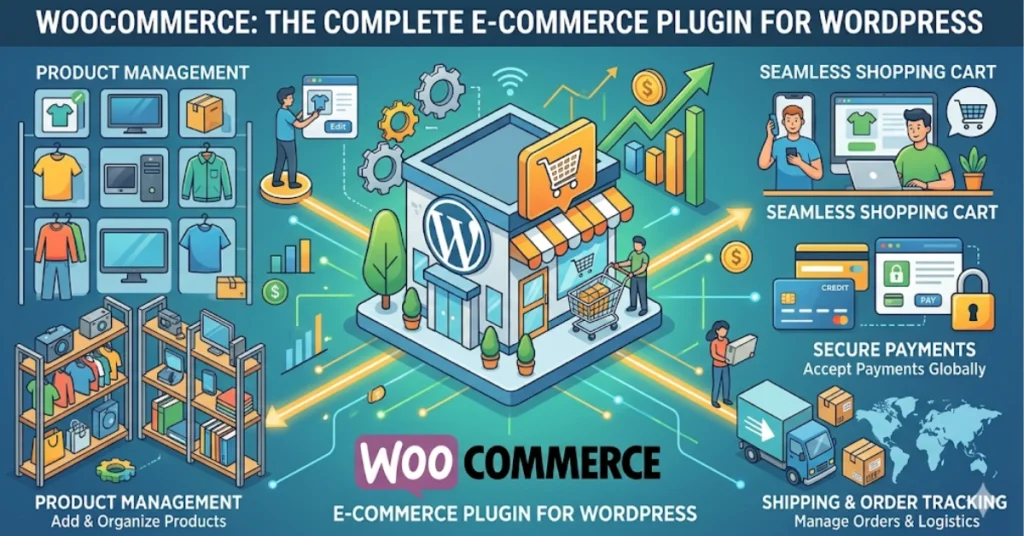
  • While talking about the best WordPress plugins, forgetting WooCommerce will be an injustice. It is available in both a free version and paid extensions. 
  • WooPayments is its in-house copayment solution. It can accept both card transactions and local payment methods without any cost. 
  • WooCommerce is the only WordPress plugin with over 1800 extensions to enhance your store’s performance. 
  • The WooCommerce app helps online store management through phones. The block elements offer a product display as per your liking, or make changes accordingly. 
  • WooCommerce supports 24 international languages and a variety of currencies. 

Best For: 

WooCommerce is best for altering the current WordPress site into an eCommerce store. 
WPForms 

WPForms best WordPress plugins for contact forms

Key Features:

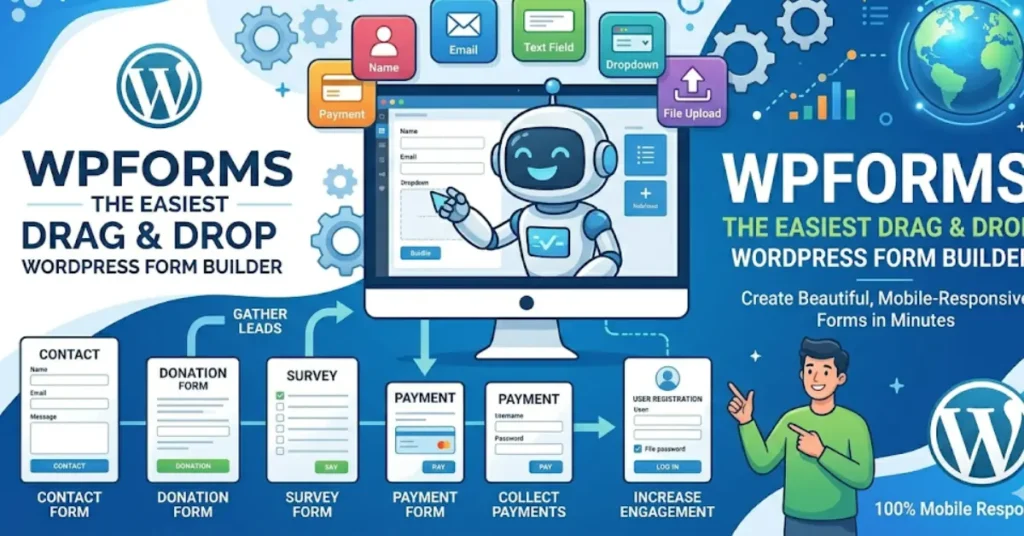
  • WPForms helps you develop eye-catching contact forms to enhance conversions. You can get over 1900 appealing, mobile-optimized templates using its drag-and-drop page builder. 
  • WPForm collects visitors’ geolocation data along with contact form submissions to improve user experience. 
  • WPForms allows visitors to submit files in various formats along with contact forms.  However, you can restrict file size and format to save storage. 
  • WPForms saves the user’s contact form progress in case of internet outages. The offline forms provide enhanced form completion rates. 
  • WPForms protects your data from spam messages. 

Best For: 

WPForms is a free WordPress plugin for designing various types of contact forms. 

Concluding Note

WordPress works with powerful plugins to improve your site’s functionality. Whether you want to increase your site ranking, create appealing web pages, develop contact forms, improve security, or make your online store, there is always the best plugins for you. 

In this article, “10 free best WordPress plugins your site needs in 2026”, I hope I have made you aware of the must-have WordPress plugins. This may help you to avoid installing extra plugins that may prove redundant and useless for you. For extra features, you can also opt for a premium plugin to suit your needs. 

FAQs 

Why is free Yoast SEO an essential WordPress plugin? 

The free version of Yoast SEO can optimize your pages and posts for Google and other search engines. It can upgrade readability and generate XML sitemaps without any cost. 

How frequently should I back up my site with UpdraftPlus? 

You should schedule your backup daily or weekly. Also, keep copies offsite. Occasionally perform database and file test restoration. 

Can I install multiple plugins together without any harm to my site? 

Yes, but the most recommended action is to install in stages. Plugin compatibility and hosting might affect performance. 

How frequently should I update these plugins? 

Updates the core plugins soon after updates are available. Better to test on the staging site first. Take a backup before major updates. 

  • No Tags

Leave A Reply Now

Send Us A Message

Your email address will not be published. Required fields are marked *

read more latest blog